Scrabulizer Importer Extension for Mozilla Firefox
 Scrabulizer Importer v2.2.1
To start installing the extension, click the Add to Firefox button above using Mozilla Firefox. You may see a prompt saying that Firefox has prevented Scrabulizer from asking you to install software. Click 'Allow' to proceed. You'll then be prompted to install the Scrabulizer Importer extension. Click Add to complete the installation.
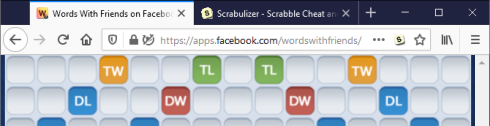
That's it! Now when you open a Lexulous, Wordscraper or full edition Words With Friends game on Facebook or an email game on Lexulous.com, you'll see a Scrabulizer tile icon appear in the address bar. Click on this icon to import the game.
Updates
From time to time we may release updates that require you to reapprove the extension (due to changes in the required permissions). Firefox will automatically install the update and then disable Scrabulizer Importer until it has been reapproved. When this has happened, the Firefox menu button will show an action required / warning indicator.
To re-enable Scrabulizer Importer, you can do the following:
- Click on the Firefox menu button.
- Click on the Scrabulizer Importer requires new permissions item.
- Click the Update button when prompted.
Permissions
The extension requests the following permissions:
-
Access to browser activity during navigation.
This is required to detect when you've opened a page containing a game that can be imported. The extension is only activated when the page URL matches the URL of a supported game. No browser activity is recorded or transmitted by the extension.
-
Access to data for sites in the lexulous.com, api.lexulous.com, emailgame.lexulous.com and aws.rjs.in domains.
This is required to read details of Lexulous and Wordscraper games on Lexulous.com and Facebook. The game details are only read and sent to Scrabulizer when you click the button to import the game.
-
Access to data for sites in the wwf-fb.zyngawithfriends.com, wwf.zynga.com and zdnzwf5-a.akamaihd.net domains.
This is required to read details of Words With Friends games on Facebook. The game details are only read and sent to Scrabulizer when you click the button to import the game.